An iOS app for grades K–5
Math for screen time.
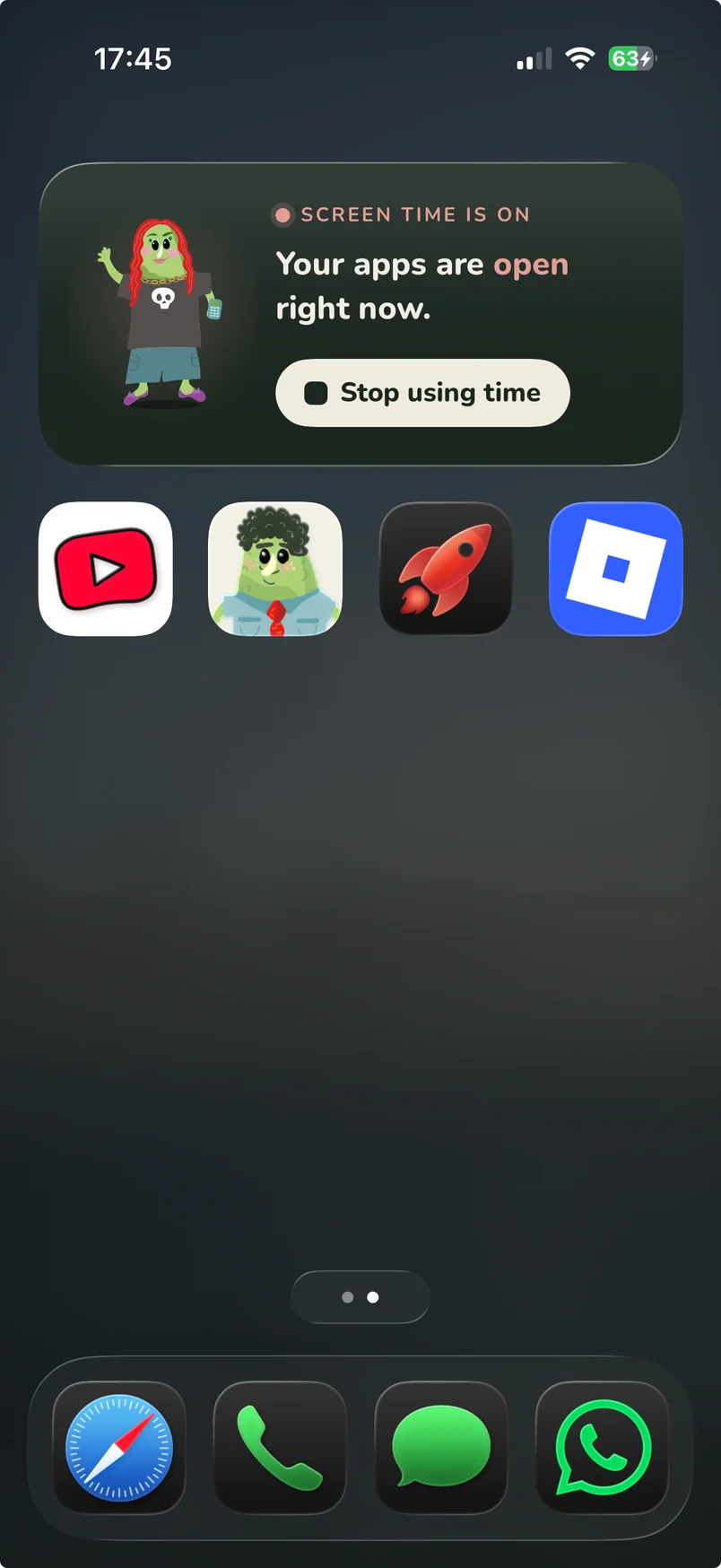
Pickles locks the apps you pick (Roblox, YouTube, anything) until your kid earns minutes with math. Right answers earn minutes.
No accounts No ads No tracking
Hi! I'll show you around. Let's go →
How it works
Math first, then screen time.
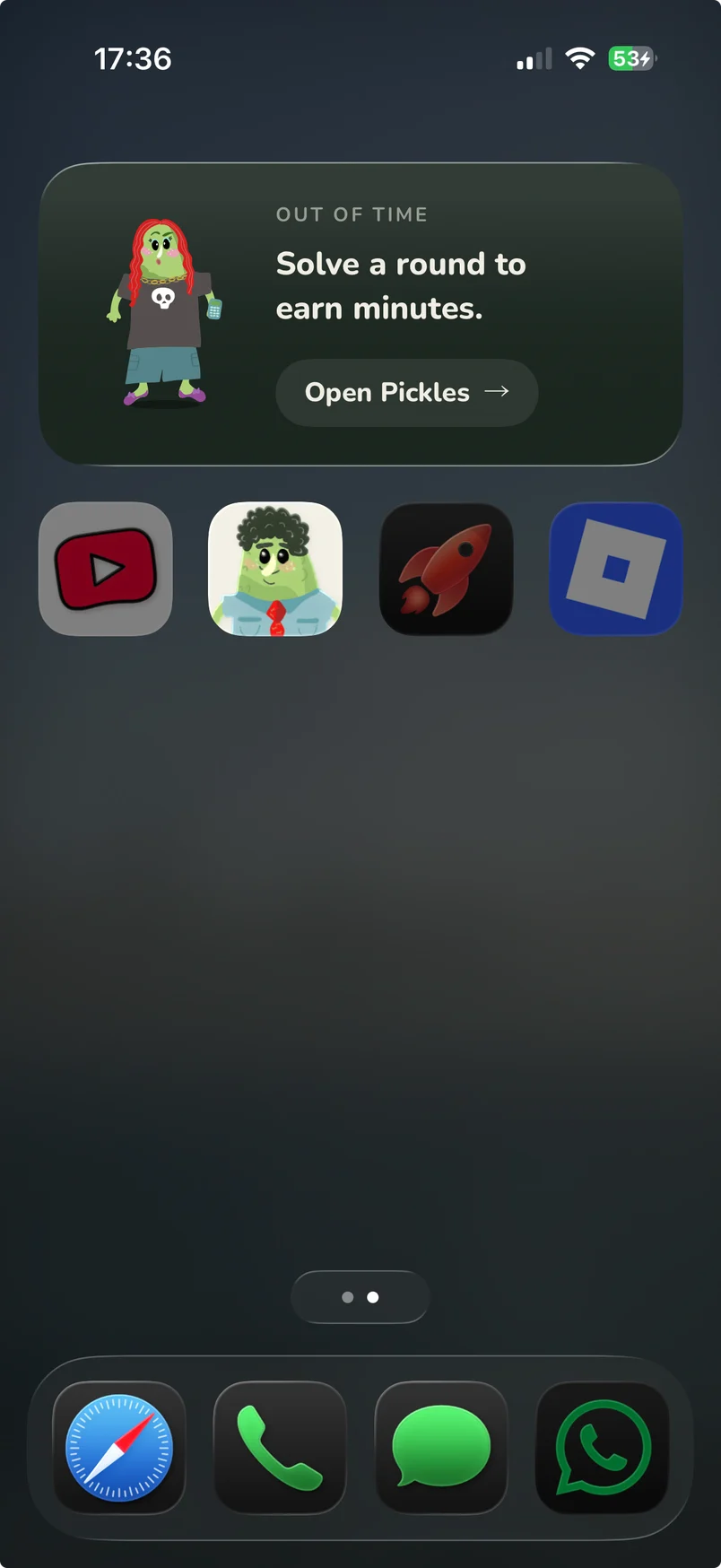
You pick the apps to lock. Your kid solves math to open them.
Here's how it goes.
Math unlocks the games.
Their apps stay locked until they solve a round.
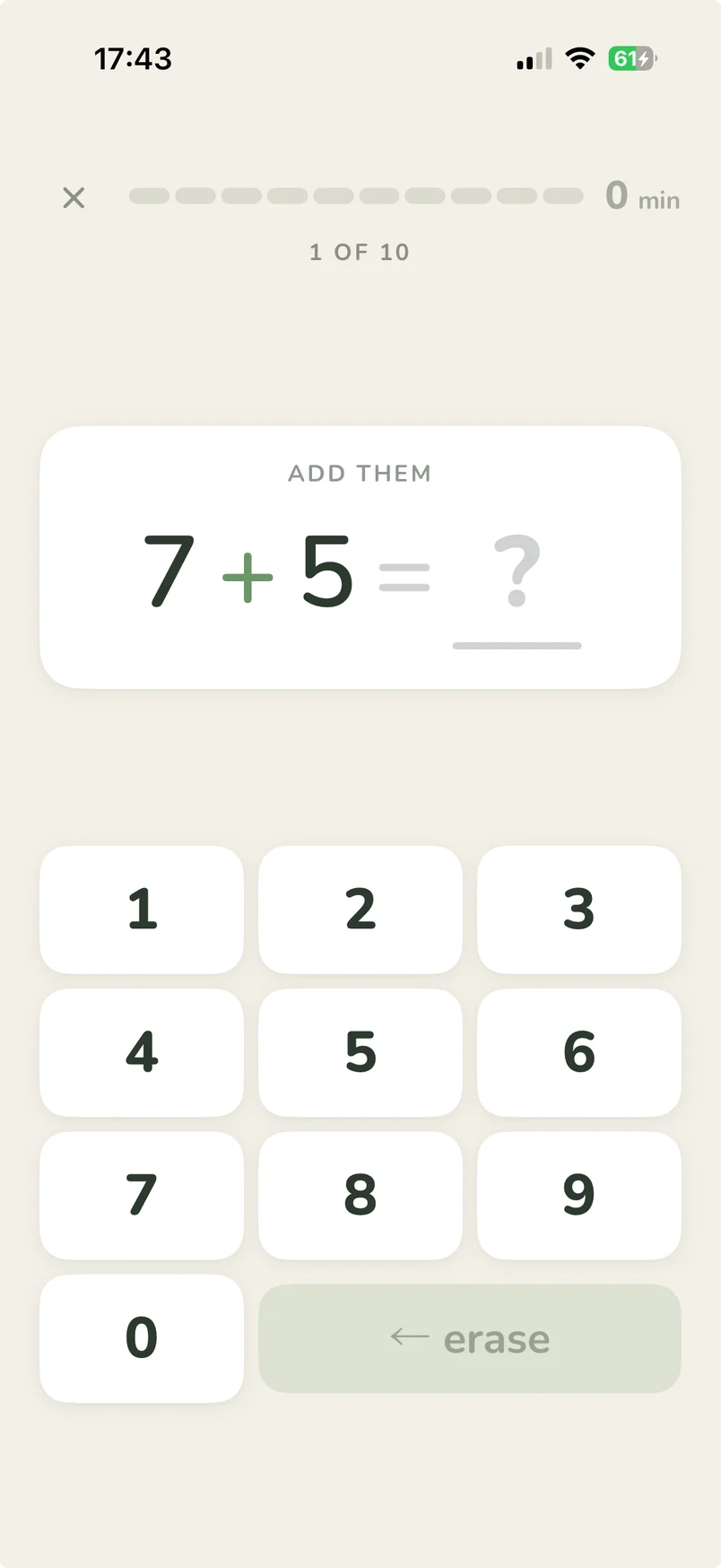
Right answers earn minutes.
Every correct answer adds minutes to the jar.
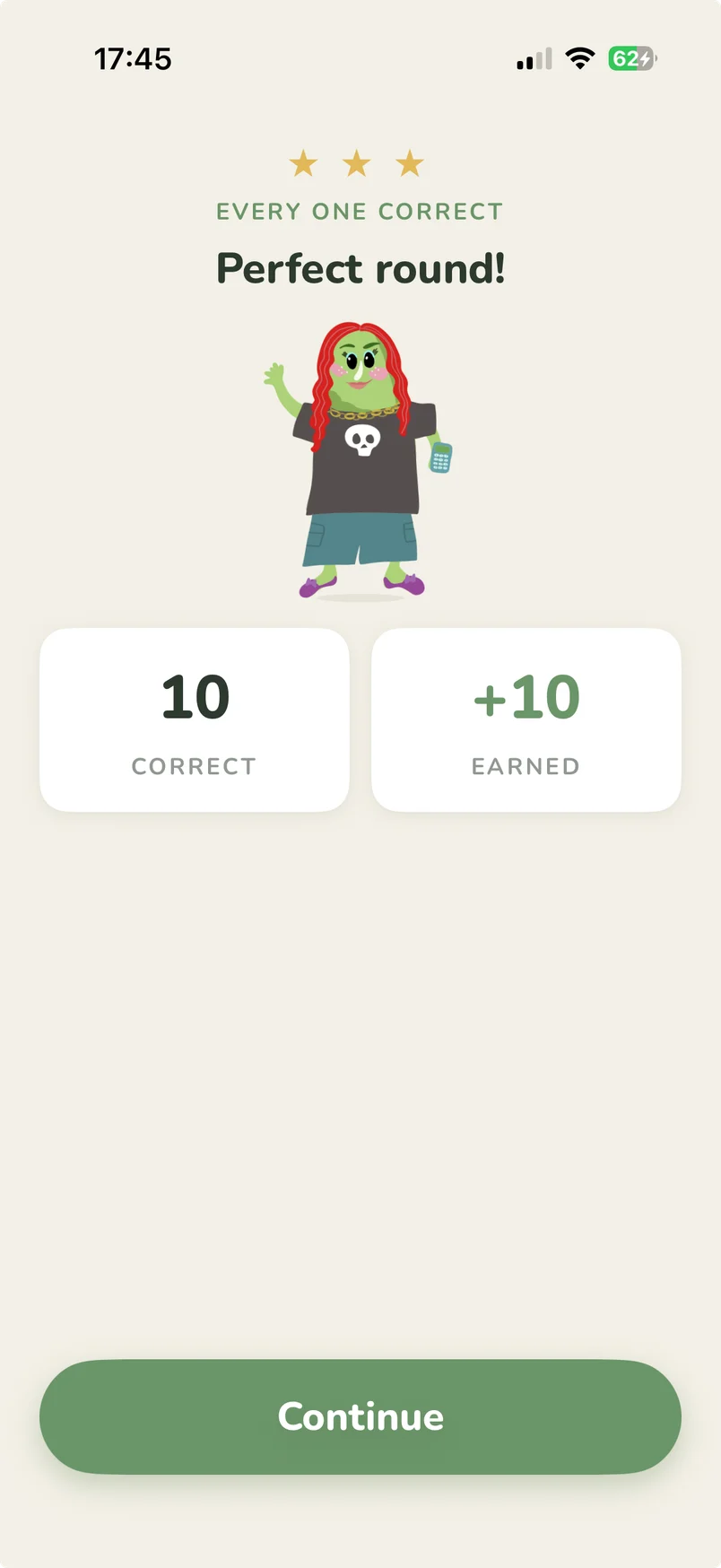
Then the games open.
Earned minutes unlock their apps until the jar runs dry.
Real math,
K–5.
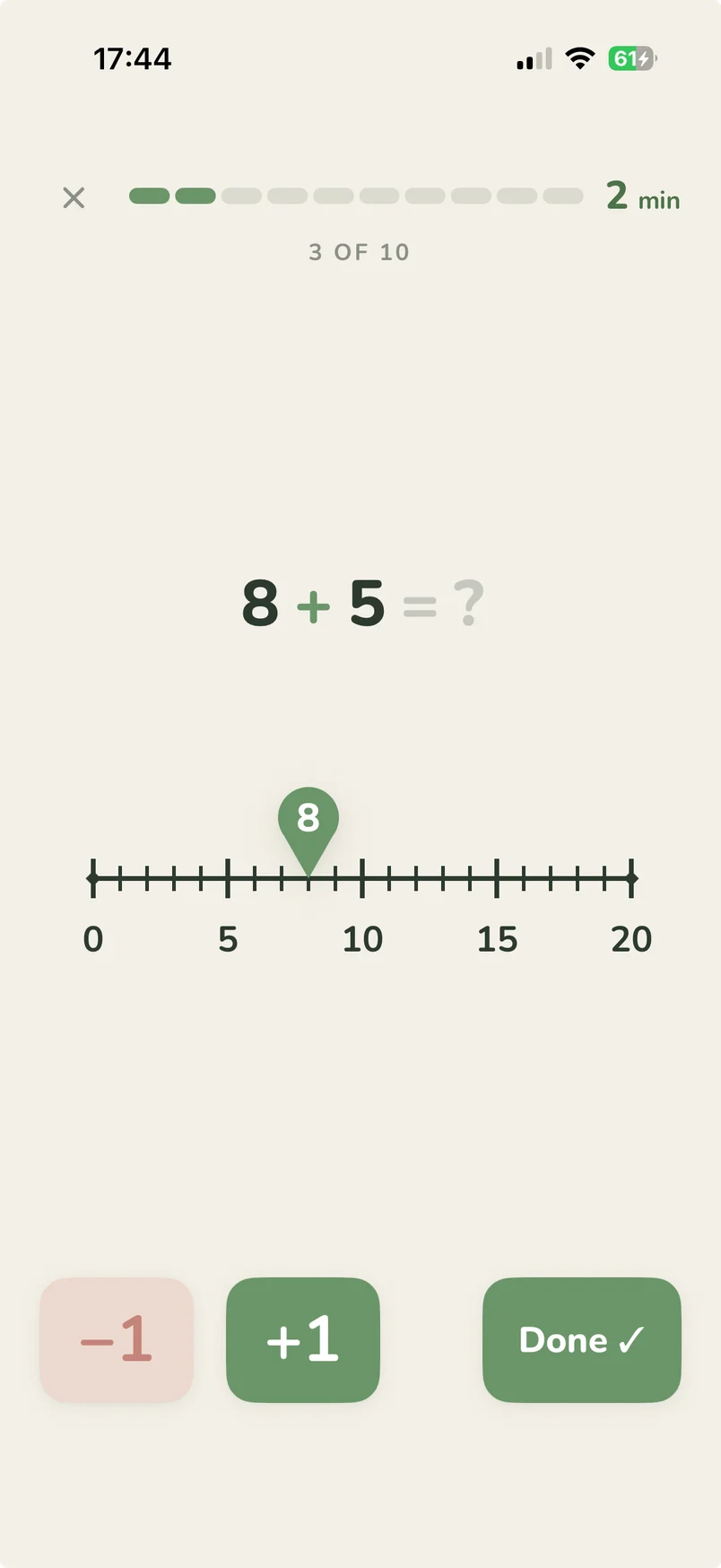
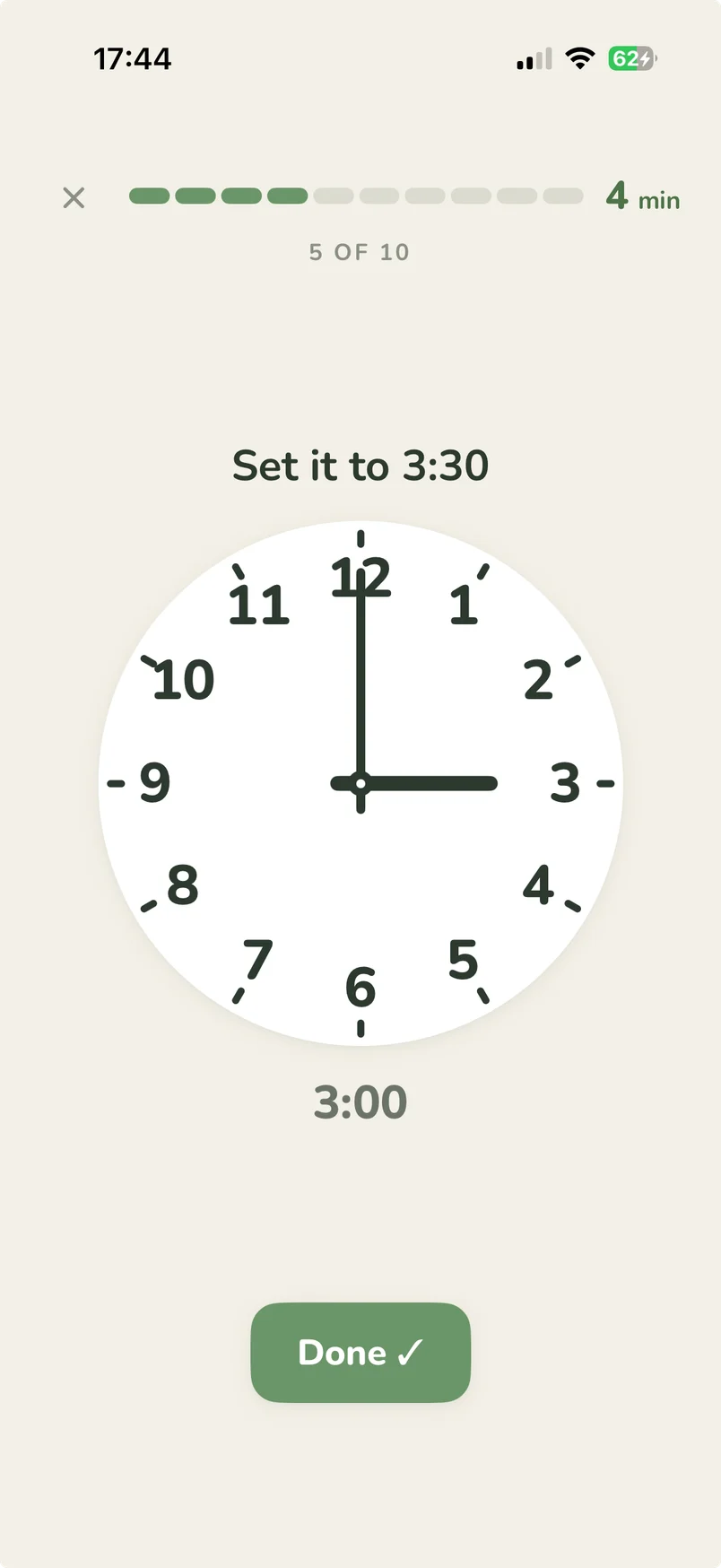
Ten-frames, number lines, clocks and more.
K
1
2
3
4
5
Count
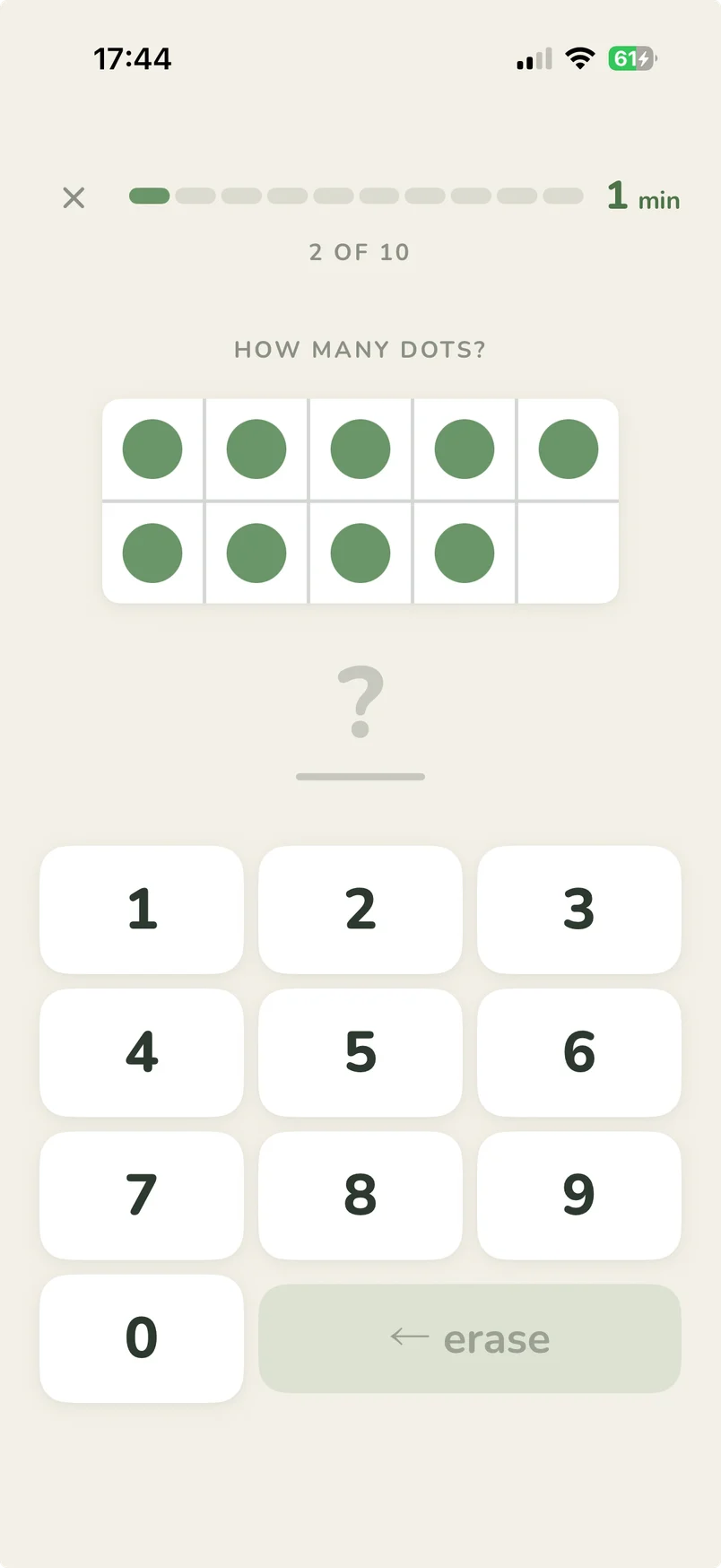
Number line
Time
Free. Private. No sign-in.
Everything stays on this phone.
No ads, ever
No subscriptions
Works without internet
Locks with Apple Screen Time
What they'll learn
A math level for every grade.
Pick your kid's grade to see the exact problem types and number ranges the app uses. The list comes straight from the app's grade presets.
Pick a grade. I'll show you the problems.
Add and subtract within 10
e.g. 3+4=7Equations
Fill in the missing number
Word problems
Read a story, then solve it
Ten-frames
Count the dots in the frame
Counting
Figure out what comes next
Compare numbers
Is it less, more, or equal?
Number line
Hop along to add & subtract
Number bonds
Break a number into two parts
Place value
Build numbers from tens & ones
Add and subtract within 20
e.g. 9+8=17Equations
Fill in the missing number
Word problems
Read a story, then solve it
Compare numbers
Is it less, more, or equal?
True or false
Spot if the math checks out
Number bonds
Break a number into two parts
Ten-frames
Count the dots in the frame
Counting
Figure out what comes next
Number line
Hop along to add & subtract
Hundred chart
Tap your way around 1–100
Telling time
Read the hands on the clock
Place value
Build numbers from tens & ones
Equal shares
Split a shape into equal parts
Bar & picture graphs
Read the chart, then count
Add and subtract within 100
e.g. 47+36=83Equations
Fill in the missing number
Word problems
Read a story, then solve it
Compare numbers
Is it less, more, or equal?
True or false
Spot if the math checks out
Number bonds
Break a number into two parts
Counting
Figure out what comes next
Number line
Hop along to add & subtract
Hundred chart
Tap your way around 1–100
Telling time
Read the hands on the clock
Place value
Build numbers from tens & ones
Counting money
Add up a handful of coins
Equal shares
Split a shape into equal parts
Bar & picture graphs
Read the chart, then count
Add/subtract within 1,000; times tables to 10
e.g. 7×8=56Equations
Fill in the missing number
Word problems
Read a story, then solve it
Compare numbers
Is it less, more, or equal?
True or false
Spot if the math checks out
Number line
Land the marker on a fraction
Telling time
Read the hands on the clock
Place value
Build numbers from tens & ones
Equal shares
Split a shape into equal parts
Equivalent fractions
Spot fractions that match
Bar & picture graphs
Read the chart, then count
Add/subtract within 10,000; multi-digit × and ÷
e.g. 12×7=84Equations
Fill in the missing number
Word problems
Read a story, then solve it
Compare numbers
Is it less, more, or equal?
True or false
Spot if the math checks out
Number line
Land the marker on a fraction
Place value
Build numbers from tens & ones
Equivalent fractions
Spot fractions that match
Larger × and ÷ (up to 25 × 100); add/sub within 10,000
e.g. 25×16=400Equations
Fill in the missing number
Word problems
Read a story, then solve it
Compare numbers
Is it less, more, or equal?
True or false
Spot if the math checks out
Number line
Land the marker on a fraction
Place value
Build numbers from tens & ones
Equivalent fractions
Spot fractions that match
Frequently asked
Questions parents tend to ask.
Hmm, still wondering about something?
What grades does Pickles work for? +
K through 5. You pick the grade, which sets the operations and number ranges, and you can adjust how often each problem type shows up, or switch types off entirely.
How does the app actually lock other apps? +
Pickles uses Apple's FamilyControls + ManagedSettings framework, the same one Screen Time uses. You grant the permission once, pick which apps to lock, and iOS does the locking. We can't see the list of picked apps.
What happens if my kid gets a problem wrong? +
They earn nothing for that question and stay on it until they get it right. The answer slot turns coral, but they don't get bounced. The summary at the end shows correct count and minutes earned.
Can I change the math difficulty mid-day? +
Yes. Settings → Math is live. Changes apply to the next round.
Can my kid quit a round halfway and keep the minutes? +
No. An unfinished round earns nothing: bailing out before the last problem forfeits the whole round. Minutes only land in the jar when the round is done.
Can they just grind rounds all day? +
Rounds are unlimited by design: Pickles doesn't cap practice. The daily ceiling on screen time is iOS Screen Time's job. Set a downtime or app limit there and it stacks with Pickles.
Can my kid practice without anything locked? +
Yes. With no apps locked the app runs in free-flight mode: same rounds, same jar, nothing locked. Handy for trying it out before you commit to locking anything.
What if I forget the PIN? +
You can reset everything from the on-device Reset option, which clears the PIN, the locked apps, and the saved-up minutes. There's no cloud reset because there's no cloud.
Is there an Android version? +
Not currently. The locking relies on Apple's FamilyControls framework, which has no Android equivalent, so an Android version would be a separate project.